Safe first
Review before delete is part of the workflow
NexuClean presents cleanup candidates in a way that helps users inspect categories, understand impact, and stay in control of what gets removed.
NexuClean helps you clean up junk, understand storage, and run practical maintenance on Windows without pressure or mystery. Scan safely, review what matters, and decide what gets removed.
Built for Windows 10 and 11 with a useful Free version and a low-cost lifetime Pro upgrade.
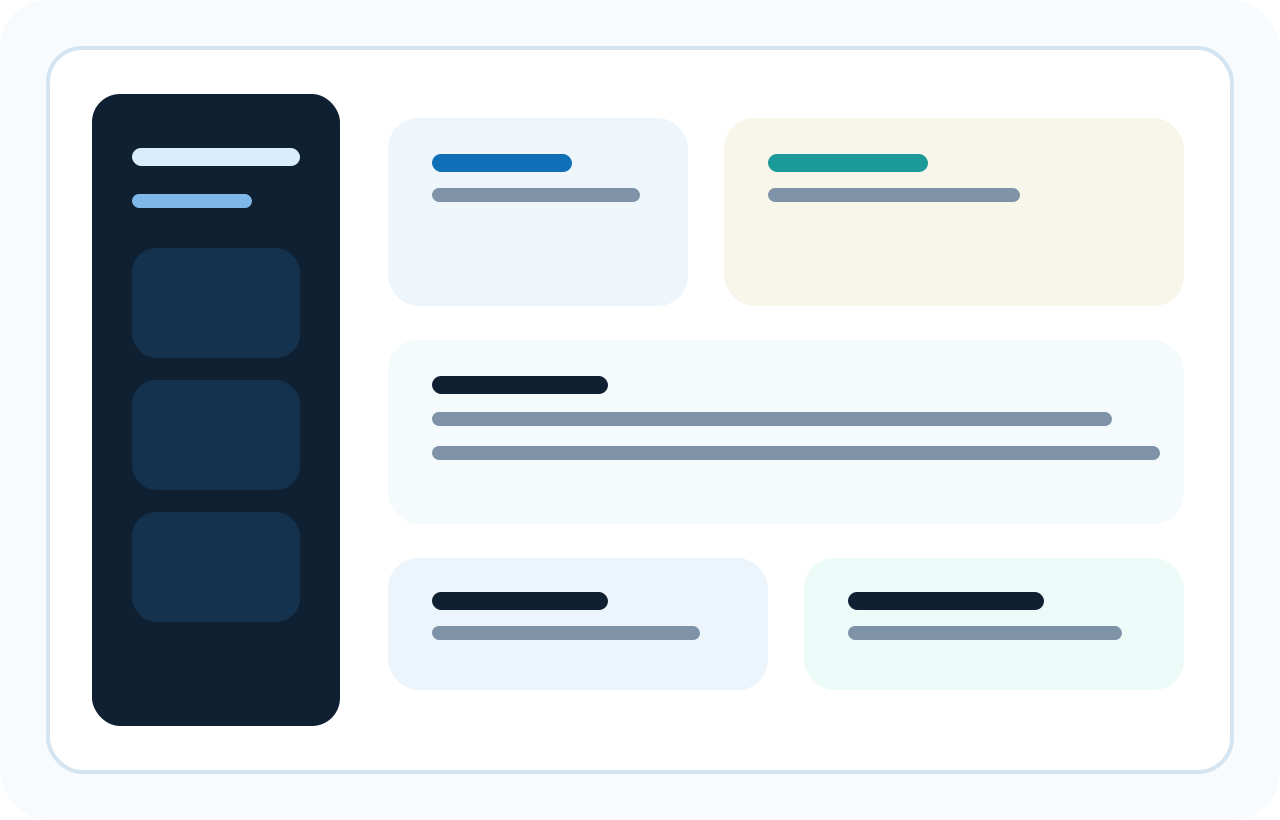
Dashboard overview
A clear first-run view of cleanup status, storage usage, maintenance shortcuts, and upgrade prompts that stay in context.
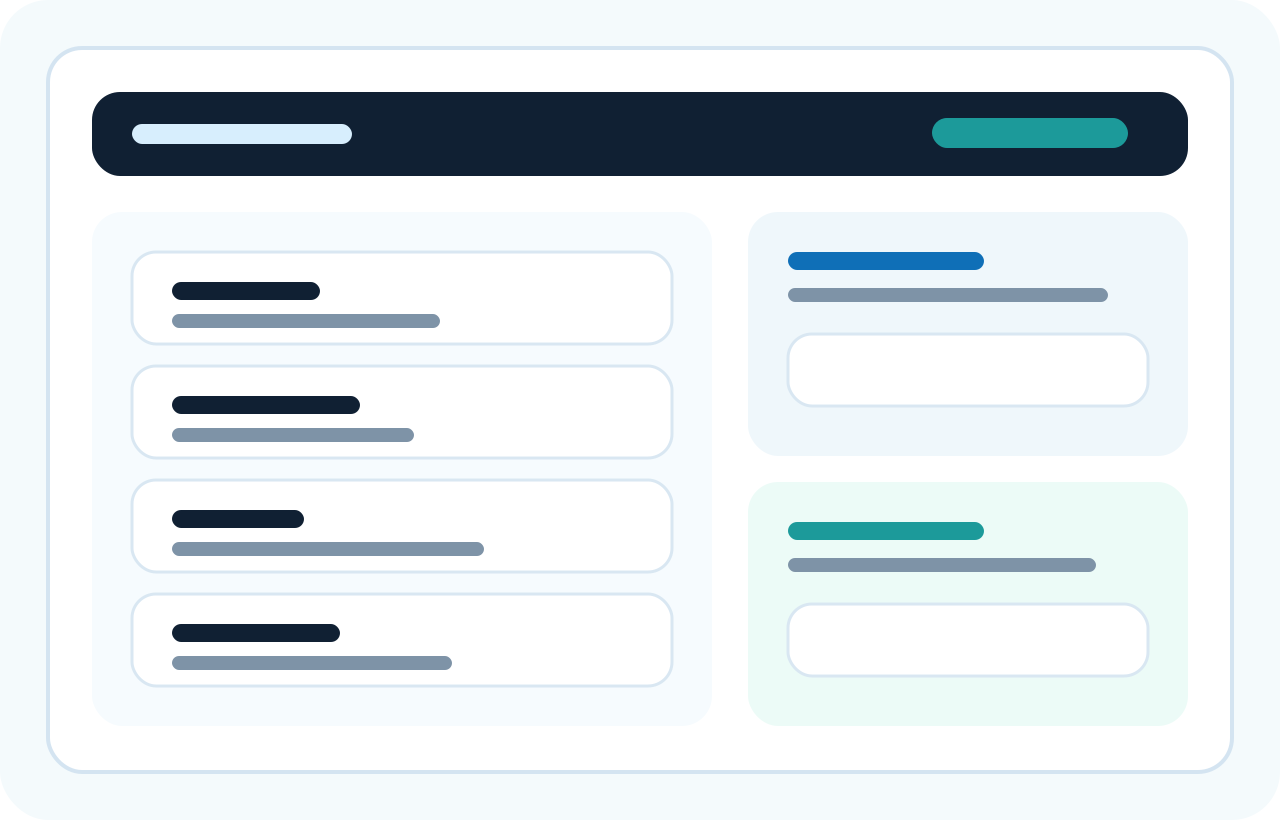
Review before delete
Scan results stay grouped and readable so users can inspect what is about to change before cleanup runs.
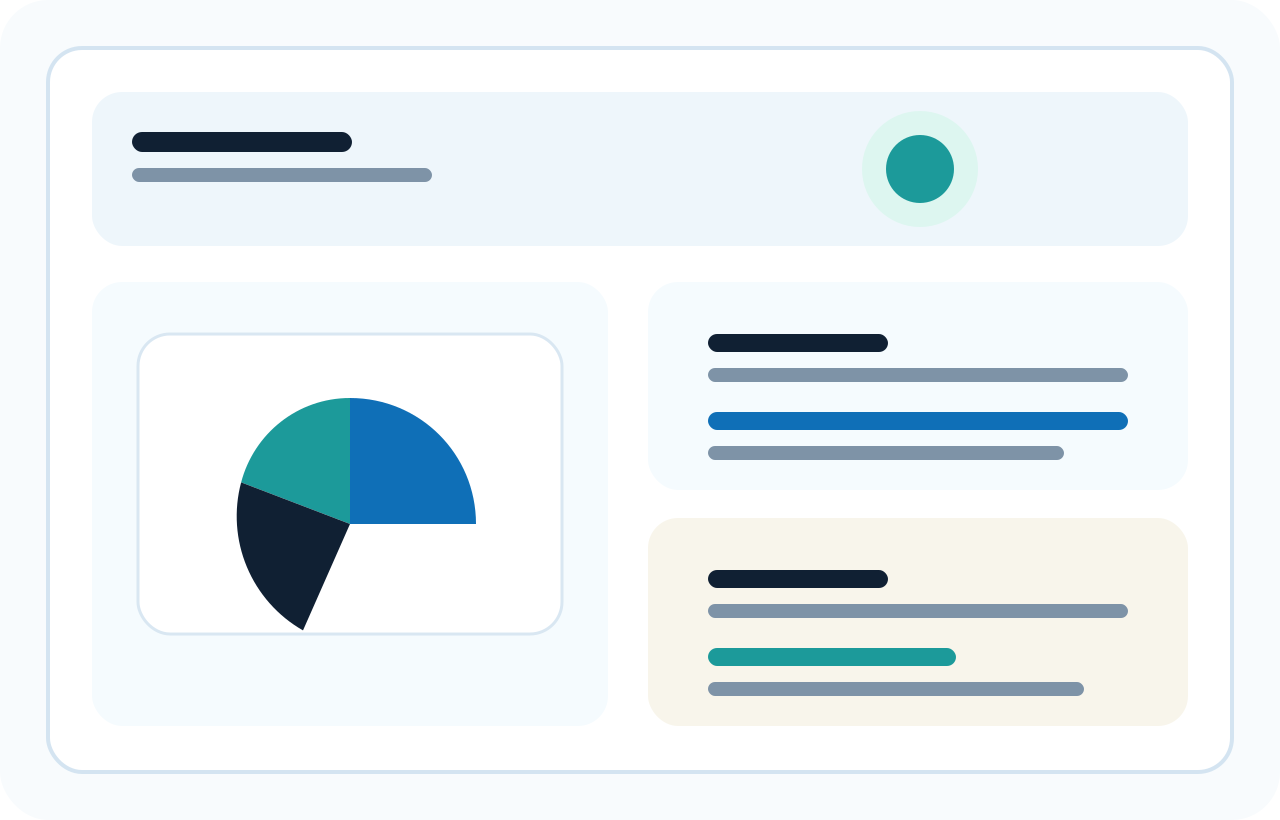
Storage visibility
Storage summaries and category breakdowns help users see what is taking space before they choose what to clean.
Standard lifetime price: £1.99. Visible pricing, a clear Free plan, and a simple Pro upgrade path.
NexuClean is designed to keep maintenance visible and understandable. You can scan, inspect, and decide what to do next without exaggerated claims.
Safe first
NexuClean presents cleanup candidates in a way that helps users inspect categories, understand impact, and stay in control of what gets removed.
Practical visibility
Cleanup, storage insights, update-related tools, and maintenance actions sit together in one consistent Windows-focused experience.
Honest upgrade path
The site shows a clear Free vs Pro split, a low-cost lifetime price, and a straightforward upgrade path that stays transparent when checkout links are not connected yet.
The same product story carries through the entire site: review before delete, see what is changing, and upgrade only if the advanced tools fit your workflow.
Run a safe scan, inspect what was found, and choose manual cleanup actions instead of relying on vague one-click promises.
See where space is going, surface practical maintenance signals, and keep the product grounded in clarity rather than pressure.
Useful day-to-day maintenance tools remain available without gating the entire product behind the upgrade wall.
Pro expands what NexuClean can inspect and clean, with more control for users who want broader coverage.
Advanced maintenance capabilities can include software and update workflows where they fit the actual desktop product direction.
Pro is framed as a practical expansion path for advanced controls, safety extras, automation, and priority support.
Support paths, changelog visibility, and backup-minded guidance are presented as part of the product experience, not as hidden fine print.
NexuClean is positioned as a tool for informed decisions, with review steps and clear framing around what cleanup actions do.
Support is easy to find through support@nexuclean.com, and changelog visibility is built into the site so updates are easy to track.
Pricing is honest, static, and clearly explained. There are no fake timers, fake stock warnings, or fear-based prompts.
Free covers the essentials. Pro adds deeper scan coverage, advanced cleanup, more maintenance controls, and future premium tooling.
| Capability | Free | Pro |
|---|---|---|
| Basic junk cleanup | Included | Included |
| Storage scan and visibility | Included | Included with deeper scan detail |
| Safe scan and review | Included | Included |
| Basic maintenance tools | Included | Expanded controls |
| Manual cleanup actions | Included | Included |
| Update checks | Limited | Broader tools and checks |
The site avoids hype, so the FAQ stays focused on safety, review controls, compatibility, pricing, and support.
NexuClean is an all-in-one Windows care tool focused on safe cleanup, storage visibility, and practical maintenance. It is designed to help users review what was found before taking action.
The product is positioned around safe cleanup controls and review-before-delete behaviour. The website intentionally avoids exaggerated claims and instead explains how users stay in control.
Free covers basic junk cleanup, storage scan visibility, safe review, basic maintenance tools, manual cleanup actions, limited update checks, and core system health visibility. Pro adds advanced cleanup tools, deeper scan coverage, software and update tools, advanced maintenance controls, backup-minded extras, future premium tooling, and priority support.
No. NexuClean is presented around visible review steps and user control so cleanup decisions stay understandable and deliberate rather than hidden or automatic.
Yes. Review-before-delete is a core promise used across the site and product messaging.
The site is ready for an email-first download flow. Until the live email capture integration is connected, the current handoff stays explicit about using browser-only continuity on the thank-you step.
The site keeps the path straightforward: Free is genuinely useful, Pro is low-cost and transparent, and support is visible when you need it.