Cleanup
Basic junk cleanup with visible categories
Run a safe scan, inspect what was found, and choose manual cleanup actions instead of relying on vague one-click promises.
NexuClean keeps cleanup and maintenance understandable. Free covers the core workflow, while Pro adds deeper scan coverage, expanded maintenance controls, and future premium tooling.
The site presents NexuClean as a trustworthy all-in-one Windows care tool, not as a fear-based booster. These feature groups carry that positioning.
Run a safe scan, inspect what was found, and choose manual cleanup actions instead of relying on vague one-click promises.
See where space is going, surface practical maintenance signals, and keep the product grounded in clarity rather than pressure.
Useful day-to-day maintenance tools remain available without gating the entire product behind the upgrade wall.
Pro expands what NexuClean can inspect and clean, with more control for users who want broader coverage.
Advanced maintenance capabilities can include software and update workflows where they fit the actual desktop product direction.
Pro is framed as a practical expansion path for advanced controls, safety extras, automation, and priority support.
The home, features, and download pages all use the same screenshot manifest so final product imagery can be swapped later without rewriting layouts.

Dashboard overview
A clear first-run view of cleanup status, storage usage, maintenance shortcuts, and upgrade prompts that stay in context.
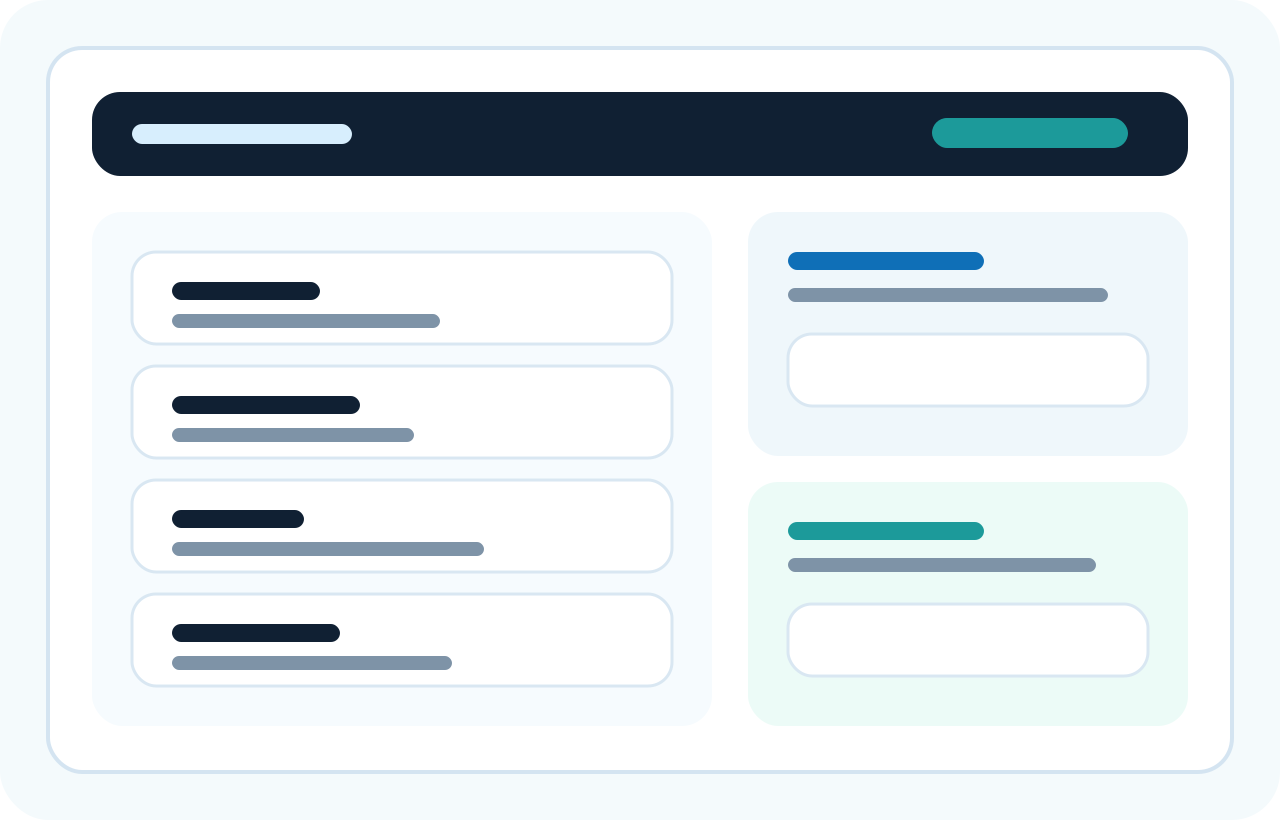
Review before delete
Scan results stay grouped and readable so users can inspect what is about to change before cleanup runs.
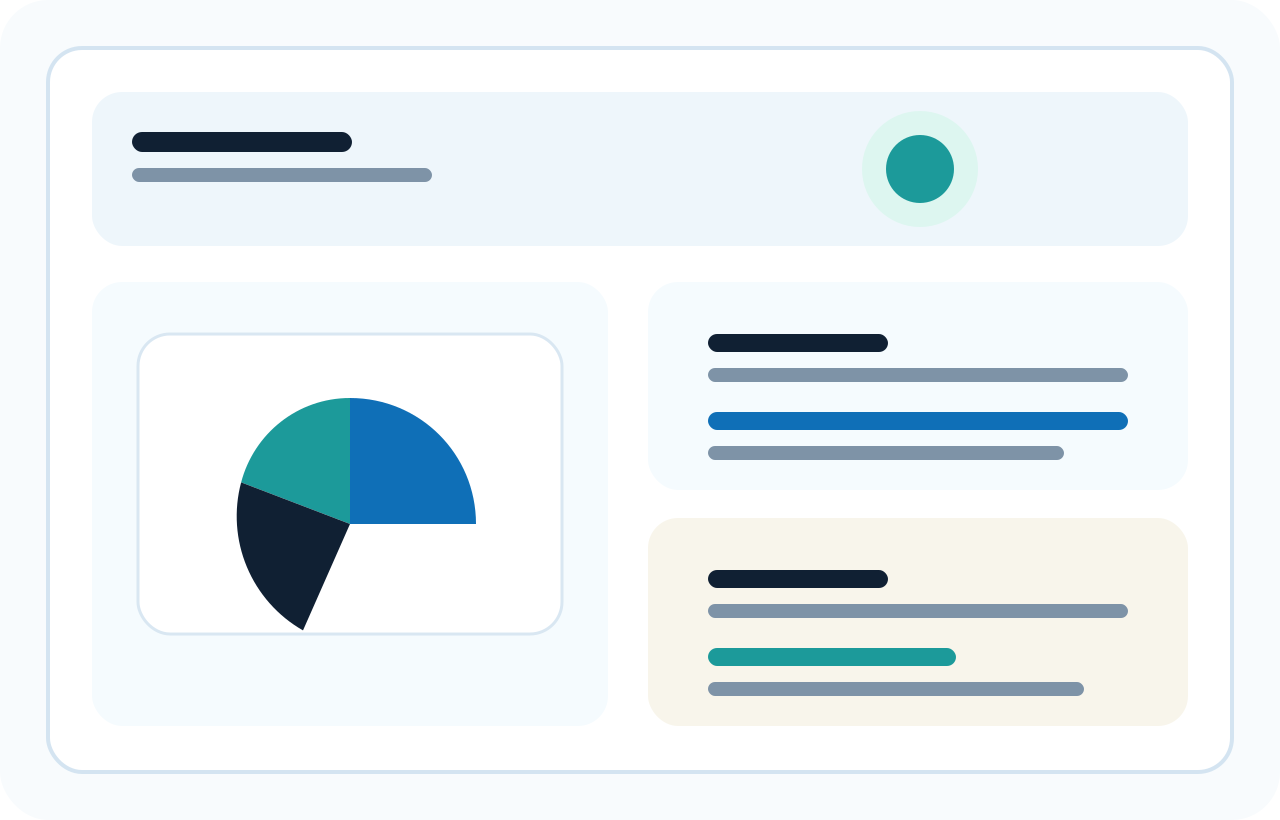
Storage visibility
Storage summaries and category breakdowns help users see what is taking space before they choose what to clean.
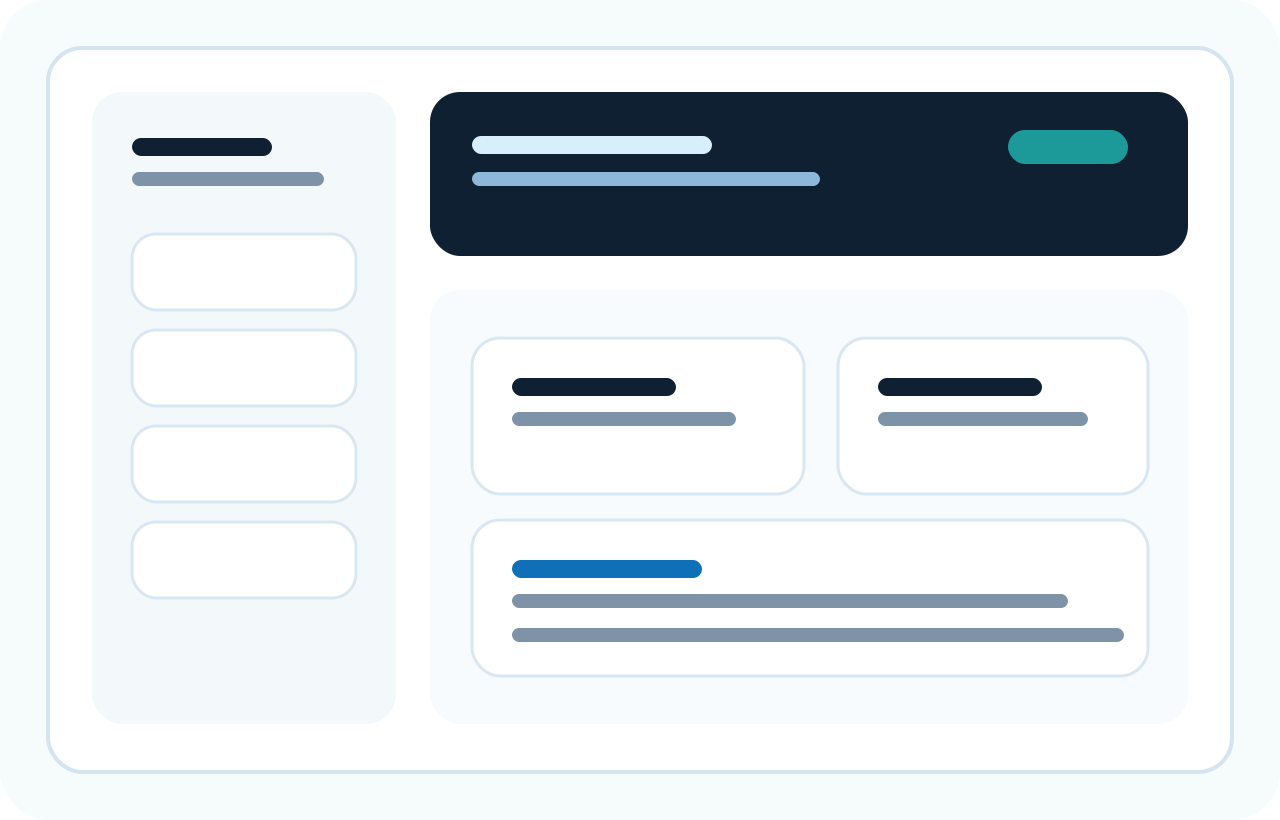
Maintenance workspace
Maintenance actions are grouped into a calm workspace with context around what each tool affects.
Safe cleanup controls, support access, release notes visibility, and an honest upgrade path are all shown as part of the product experience.
NexuClean is positioned as a tool for informed decisions, with review steps and clear framing around what cleanup actions do.
Support is easy to find through support@nexuclean.com, and changelog visibility is built into the site so updates are easy to track.
Pricing is honest, static, and clearly explained. There are no fake timers, fake stock warnings, or fear-based prompts.